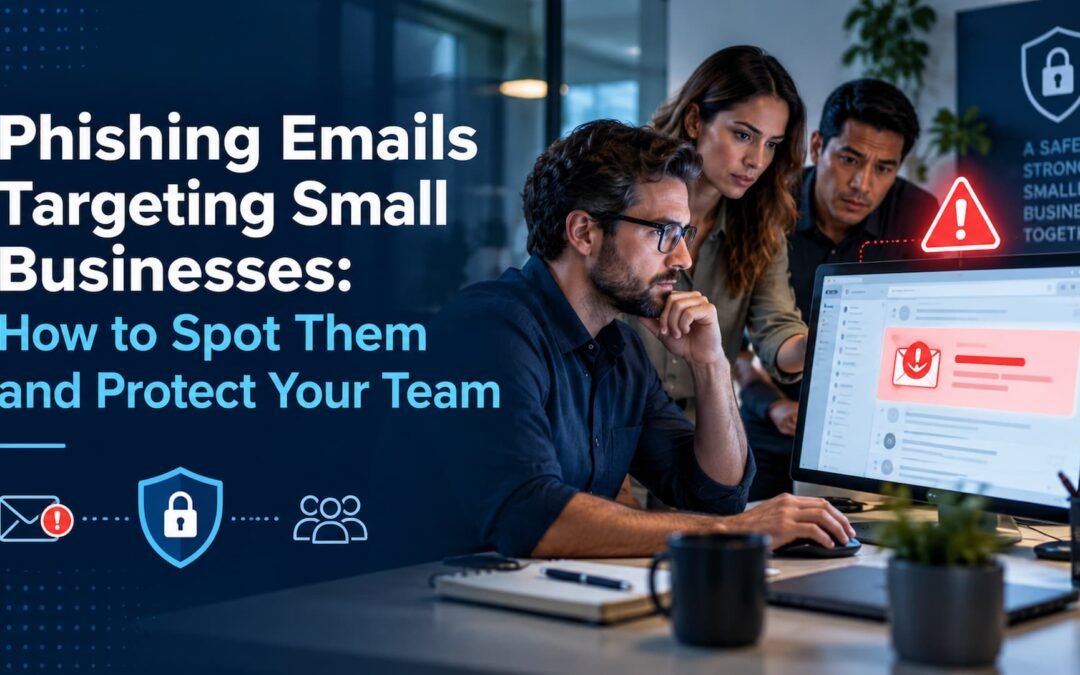
Most cyberattacks on small businesses do not start with a hacker breaking through a firewall. They start with an email. A message that looks like it came from a vendor, a bank or the owner of the company asks someone to click a link, open an attachment or send a payment. One click is often all it takes. This guide explains phishing protection for small business owners: how these scams work, the warning signs to teach your team and the safeguards that stop most attacks.
How Big Is the Problem?
The FBI’s Internet Crime Complaint Center (IC3) received 1,008,597 complaints in 2025, with reported losses of nearly $20.9 billion, according to its 2025 Internet Crime Report. Phishing and spoofing accounted for 191,561 of those complaints. Business email compromise, where criminals impersonate a trusted contact to redirect a payment, caused more than $3 billion in reported losses on its own.
Small businesses are attractive targets because they handle real money and real data but often lack a dedicated IT team.
Common Types of Phishing Aimed at Small Businesses
Fake invoices and payment changes
An email that appears to come from a regular supplier says their bank details have changed and asks you to pay the next invoice to a new account. This is a classic business email compromise scam.
“CEO” or owner impersonation
A message that appears to come from the owner asks an employee to buy gift cards, wire money or send employee tax forms quickly and quietly.
Fake login pages
An email warns that your Microsoft 365, Google or bank account will be locked unless you sign in. The link leads to a copy of the real login page that captures your password.
Malicious attachments
A “shipping notice,” “voicemail” or “scanned document” attachment that installs malware when opened.
Text and phone phishing
The same tricks now arrive by text message and phone calls, sometimes using AI-generated voices that sound like someone you know.
Warning Signs to Teach Your Team
- Urgency or secrecy. “Do this today,” “keep this between us,” or a threat to close an account.
- A change in payment instructions. Any request to change bank details should be treated as suspicious until verified.
- A sender address that is slightly off. One letter changed, an extra word or a free email account instead of a company domain.
- Links that do not match. Hover over a link before clicking. If the address does not match the company, do not click.
- Unexpected attachments, especially files that ask you to enable macros or editing.
- Requests for passwords or codes. Real IT staff and banks will not ask for your password or a one-time login code by email.
Safeguards That Stop Most Phishing Attacks
1. Turn on multi-factor authentication
Multi-factor authentication (MFA) means a stolen password is not enough to get into email, banking or cloud accounts. The FBI recommends enabling it, and it is one of the most effective steps a small business can take.
2. Verify payment changes by phone
Create a simple rule: any change to bank details is confirmed by calling the vendor at a number you already have on file, never one from the email.
3. Filter email before it reaches inboxes
Email security settings and filtering block many phishing messages and flag messages from outside the company. Proper domain settings also make it harder for criminals to send emails that look like they come from your business.
4. Train your team regularly
Short, regular training and practice phishing tests help employees recognize scams and feel comfortable reporting them.
5. Keep systems updated and backed up
Updates close security holes that malware uses, and reliable backups mean a ransomware infection does not have to stop your business. The FBI advises keeping off-site or offline backups. Learn more about cloud data backup and recovery.
6. Have someone watching
Managed IT support means someone is monitoring your systems and can act quickly if something looks wrong. Read how managed IT support improves productivity.
What to Do If Someone Clicks
- Disconnect the affected computer from the network.
- Change the password for any account that may be affected, from a different device, and check that MFA is on.
- If money was sent, call your bank immediately and ask for a recall. The FBI notes that time is critical.
- Report the incident to the FBI at ic3.gov.
- Call your IT provider to check for malware and review account activity.
Frequently Asked Questions
What is the most common cyberattack on small businesses?
Phishing is one of the most common. In 2025, phishing and spoofing made up 191,561 complaints to the FBI’s Internet Crime Complaint Center.
What is business email compromise?
It is a scam where criminals impersonate a trusted person or vendor by email to trick a business into sending money or sensitive information. The FBI reported more than $3 billion in losses from it in 2025.
Does multi-factor authentication stop phishing?
MFA does not stop phishing emails from arriving, but it makes stolen passwords much less useful, which blocks many account takeovers.
How often should employees get phishing training?
Regular, short sessions work better than one long session a year. Many businesses combine quarterly training with practice phishing tests.
Protect Your Business With Compuzone
Compuzone Advanced Technology Solutions provides IT support, cybersecurity, email protection and backup for small businesses in Hazlet, Keyport, Holmdel, Middletown, Edison and nearby towns in Central New Jersey. We can review your email security, set up multi-factor authentication and train your team. See why small businesses are upgrading their cybersecurity and how to meet cybersecurity compliance standards.
Call Compuzone at (848) 459-5275 to schedule a security review.