small business computer maintenance Central New Jersey
For many small businesses, computers are at the center of daily operations. Employees use them to communicate with customers, prepare estimates, process invoices, access cloud applications, manage accounting, store documents, and complete dozens of other essential tasks.
Yet many companies don’t think about computer maintenance until something stops working.
A computer that suddenly becomes extremely slow, refuses to start, loses access to the network, or experiences a storage failure can quickly turn into a business problem—not simply a technical problem.
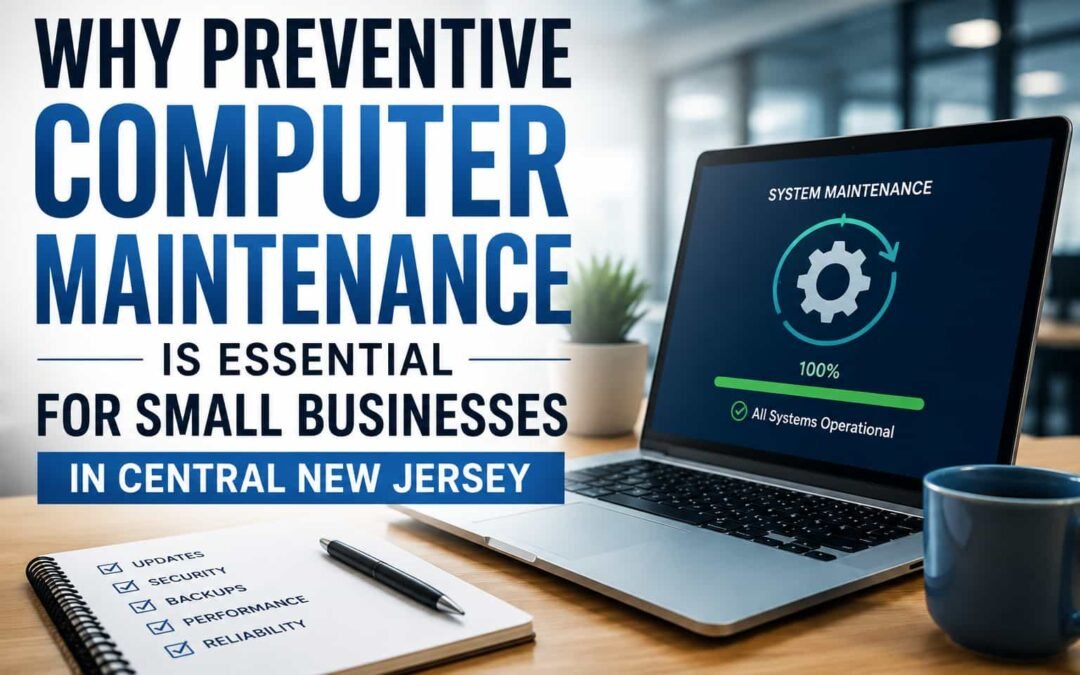
Preventive computer maintenance helps small businesses identify hardware, software, security, and network issues before they cause serious disruptions. Regular maintenance can reduce unexpected downtime, improve computer performance, protect important business data, and help companies make better decisions about when equipment should be upgraded or replaced. Resources from the Cybersecurity and Infrastructure Security Agency (CISA) emphasize practical cybersecurity measures for small businesses, making proactive technology management an important part of maintaining a secure and reliable business environment.
For small businesses in Central New Jersey, investing in small business computer maintenance in Central New Jersey can be particularly valuable when the company does not have a full-time internal IT department.
The Real Cost of a Computer Problem Isn’t Always the Repair
When a business computer fails, the first question is often:
“How much will it cost to fix?”
But that may not be the most important question.
The bigger question is:
“How much is this problem costing my business while the computer isn’t working?”
Imagine an employee who cannot access email, customer records, accounting software, shared files, or other business applications for several hours.
The business may experience:
- Lost employee productivity
- Delayed estimates or invoices
- Missed customer communications
- Inability to access important documents
- Problems processing orders or payments
- Interruptions to normal business operations
- Emergency repair expenses
- Potential loss of important data
If the problem affects the network, server, shared storage, printer, or internet connection, several employees could be affected simultaneously.
That is why computer maintenance should be viewed as part of business continuity, not simply computer repair.
What Is Preventive Computer Maintenance?
Preventive computer maintenance is the process of regularly inspecting, updating, testing, and maintaining business computers before major problems develop.
Instead of following the traditional:
Something breaks → Call for help → Repair it → Wait for the next problem
businesses can take a more proactive approach:
Inspect → Update → Protect → Test → Document
The objective isn’t to guarantee that technology will never fail. Hardware can still malfunction, software problems can occur, and unexpected events happen.
The objective is to reduce avoidable problems and identify warning signs earlier.
1. Keep Operating Systems and Business Software Updated
Software updates aren’t just about receiving new features.
Updates frequently address:
- Security vulnerabilities
- Software bugs
- Compatibility problems
- Performance issues
- Stability problems
Small businesses sometimes postpone updates because employees don’t want their computers interrupted during working hours.
That can become a problem when updates are repeatedly delayed.
A better strategy is to establish a maintenance schedule where important updates can be reviewed and installed with minimal disruption to employees.
2. Monitor the Health of Computer Storage
One of the most important components inside a business computer is its storage drive.
Hard disk drives and solid-state drives don’t last forever.
When a storage device begins experiencing problems, users may notice symptoms such as:
- Slow startup
- Applications taking longer to open
- Files becoming difficult to access
- Freezing
- Unexpected errors
- Windows startup problems
- Unusual system behavior
Businesses shouldn’t wait for complete storage failure before investigating these warning signs.
A professional computer assessment can help determine whether a drive is experiencing problems and whether replacing or upgrading the storage should be considered.
3. Check Available Storage Space
A computer doesn’t necessarily need to be broken to perform poorly.
Sometimes the problem is simply that the system has accumulated years of temporary files, downloads, old applications, user data, and other unnecessary information.
Extremely limited storage can contribute to performance problems.
Regular maintenance can identify:
- Unnecessary files
- Applications that are no longer needed
- Excessive temporary data
- Large files consuming storage
- Insufficient storage capacity
However, files shouldn’t simply be deleted because they appear unnecessary.
Business computers may contain important records, software configurations, databases, or application files. Data should be reviewed carefully before removal.
4. Verify That Backups Are Actually Working
Having backup software installed doesn’t necessarily mean your business data is protected.
A backup system can fail silently.
For example, a backup may stop working because of:
- Insufficient storage
- Incorrect configuration
- Account problems
- Network connectivity issues
- Software errors
- Failed storage hardware
A business may believe its information is protected for months without realizing the backup hasn’t been completing successfully.
This is why backups should be verified, not simply configured and forgotten.
The important question isn’t:
“Do we have a backup?”
It is:
“If we lost this computer today, could we recover the information we need?”
5. Review Antivirus and Security Protection
Small businesses can be attractive targets for cybercriminals because they often have valuable information but fewer dedicated security resources than larger organizations.
Basic computer security should include more than simply installing antivirus software.
Businesses should periodically review:
- Antivirus status
- Operating system updates
- Browser updates
- User accounts
- Password practices
- Email security
- Backup protection
- Unnecessary software
- Administrator privileges
Employees should also understand that many security incidents begin with human interaction, including suspicious emails, malicious attachments, fake login pages, and fraudulent links.
Technology and employee awareness need to work together.
6. Don’t Ignore the Business Network
Sometimes employees report that “the computers are slow” when the computers aren’t actually the problem.
The issue may involve the network.
Business networks can experience problems involving:
- Routers
- Switches
- Cabling
- Wi-Fi
- Network adapters
- DNS
- Internet service
- Shared devices
- Incorrect configurations
That is why troubleshooting should look at the complete environment rather than automatically assuming the computer itself needs to be replaced.
A properly maintained network is especially important for businesses that depend on cloud software, VoIP phones, shared files, printers, security systems, and other connected equipment.
7. Know When to Repair and When to Replace
Not every older computer needs to be replaced.
In some situations, upgrading storage or memory can significantly improve performance and extend the useful life of a system.
In other situations, continuing to repair an aging computer becomes a poor business decision.
Consider factors such as:
- Age of the computer
- Processor generation
- Amount of RAM
- Storage technology
- Operating system compatibility
- Hardware condition
- Warranty status
- Cost of repair
- Frequency of previous problems
- Importance of the computer to daily operations
A business should compare the repair cost against the remaining useful life and business value of the computer.
Spending money repeatedly on unreliable equipment can eventually cost more than replacing it.
Small Business Computer Maintenance Checklist
| Maintenance Task | Suggested Review | Why It Matters |
|---|---|---|
| Windows & software updates | Regularly | Security, stability and compatibility |
| Antivirus/security review | Regularly | Helps identify security problems |
| Backup verification | Regularly | Helps protect business information |
| Storage health | Periodically | Identifies possible drive problems |
| Available disk space | Periodically | Helps maintain performance |
| Network equipment | Periodically | Helps prevent connectivity problems |
| User accounts | Periodically | Reduces unnecessary access |
| UPS/battery backup | Every 6–12 months | Helps protect equipment during power problems |
| Hardware assessment | Annually | Identifies aging equipment |
| Replacement planning | Annually | Helps businesses budget for future technology |
The exact maintenance schedule will depend on the number of computers, how heavily they’re used, the software involved, and how critical those systems are to the business.
Should a Small Business Wait Until Something Breaks?
Usually, no.
The traditional break-fix approach can work for non-critical equipment, but it becomes increasingly risky when a company depends heavily on its computers.
Consider an office with ten computers.
One computer failing may affect one employee.
But problems involving the network, shared files, backups, internet connection, or security can potentially affect the entire company.
Preventive maintenance gives the business an opportunity to identify problems while there is still time to address them properly.
How Often Should Business Computers Be Maintained?
There isn’t one maintenance schedule that works for every company.
A five-person office using computers primarily for email and basic documents has different requirements from a business using specialized applications, shared databases, large files, cloud applications, or networked equipment throughout the day.
The maintenance schedule should be based on:
- Number of computers
- Age of equipment
- Importance of stored information
- Applications being used
- Network complexity
- Security requirements
- Backup requirements
- Employee dependence on technology
For many small businesses, the better approach is to establish regular preventive maintenance rather than waiting for visible problems to appear.
Warning Signs Your Business Computers Need Attention
Small problems often provide warning signs before they become serious.
Contact an IT professional if employees regularly experience:
- Computers taking unusually long to start
- Frequent freezing
- Applications repeatedly crashing
- Unexpected shutdowns
- Low-storage warnings
- Network disconnections
- Slow access to shared files
- Printer connectivity problems
- Windows update failures
- Antivirus warnings
- Unusual pop-ups
- Files becoming inaccessible
- Computers repeatedly losing internet access
One isolated problem doesn’t necessarily indicate a serious failure.
But repeated problems shouldn’t be ignored.
Preventive IT Maintenance vs. Emergency Computer Repair
Emergency computer repair will always have a place. Technology can fail unexpectedly even when properly maintained.
But relying exclusively on emergency repairs puts the business in a reactive position.
Preventive maintenance changes the conversation from:
“How quickly can you fix this?”
to:
“What can we identify now so this doesn’t become an emergency later?”
That is a much better technology strategy for most small businesses.
Why Local IT Support Matters for Central New Jersey Businesses
Small businesses often don’t need a large internal IT department.
They need someone who understands their technology environment and can help when problems arise.
Working with a local computer service company can be particularly useful when a problem requires hands-on assistance with computers, networking equipment, printers, cabling, storage, or other office technology.
Compuzone Advanced Technology Solutions LLC provides computer repair, computer maintenance, networking, and technology support for small businesses in Central New Jersey.
Our goal isn’t simply to repair computers after they fail. We help businesses maintain more reliable technology environments so employees can stay focused on running the business.
Build a More Reliable Technology Environment
Computer problems are inevitable, but many technology emergencies don’t have to come as a complete surprise.
Regular maintenance, backups, updates, hardware monitoring, security reviews, and replacement planning can help small businesses reduce avoidable downtime and make smarter technology decisions.
If your business computers are becoming slower, experiencing repeated problems, or simply haven’t received professional maintenance in a long time, it may be time for a technology assessment.
Need Computer Maintenance or IT Support in Central New Jersey?
Contact Compuzone Advanced Technology Solutions LLC for professional computer repair, maintenance, networking, and small-business technology services.
Phone: 848-459-5275
Email: compuzoneusa@gmail.com
Office Location: Central New Jersey
Website: https://compuzoneusa.com